Description
One keyboard, two computers — zero friction
HopKVM is a small hardware device that lets a single USB keyboard and mouse control two computers. Move your mouse past the edge of one screen and the pointer continues on the second machine at the same height, with keyboard input following automatically. It feels like one seamless desktop spread across two systems.
How it works
HopKVM stays connected to both computers simultaneously and routes your input in hardware. There is nothing to install on either machine: no background service, no driver, no network connection between the hosts. Both computers see a standard USB keyboard and mouse.
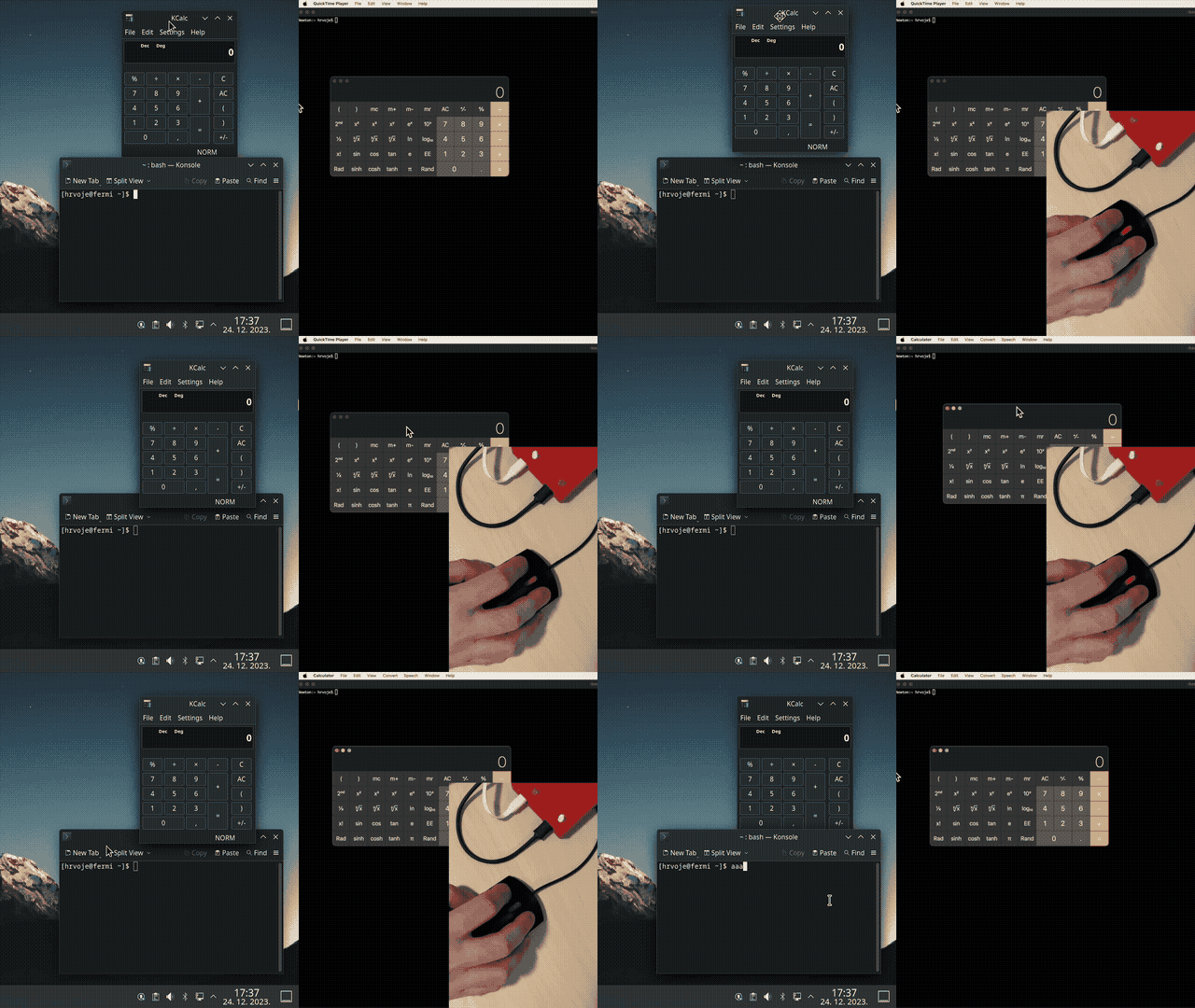
Two ways to switch
- Screen-edge crossing — slide the pointer through the edge of the screen and it appears on the other computer.
- Hotkey — press a preset keyboard shortcut for an explicit, instant switch.
Why hardware switching matters
- Works everywhere — Windows, macOS and Linux, in any combination. BIOS screens and login prompts included, because no OS-side software is needed.
- Physically isolated hosts — the two computers remain electrically isolated from each other. Ideal when one machine is a locked-down work laptop and the other is personal.
- No lag, no cloud — input routing happens on the device itself.
Built on the open-source DeskHop project
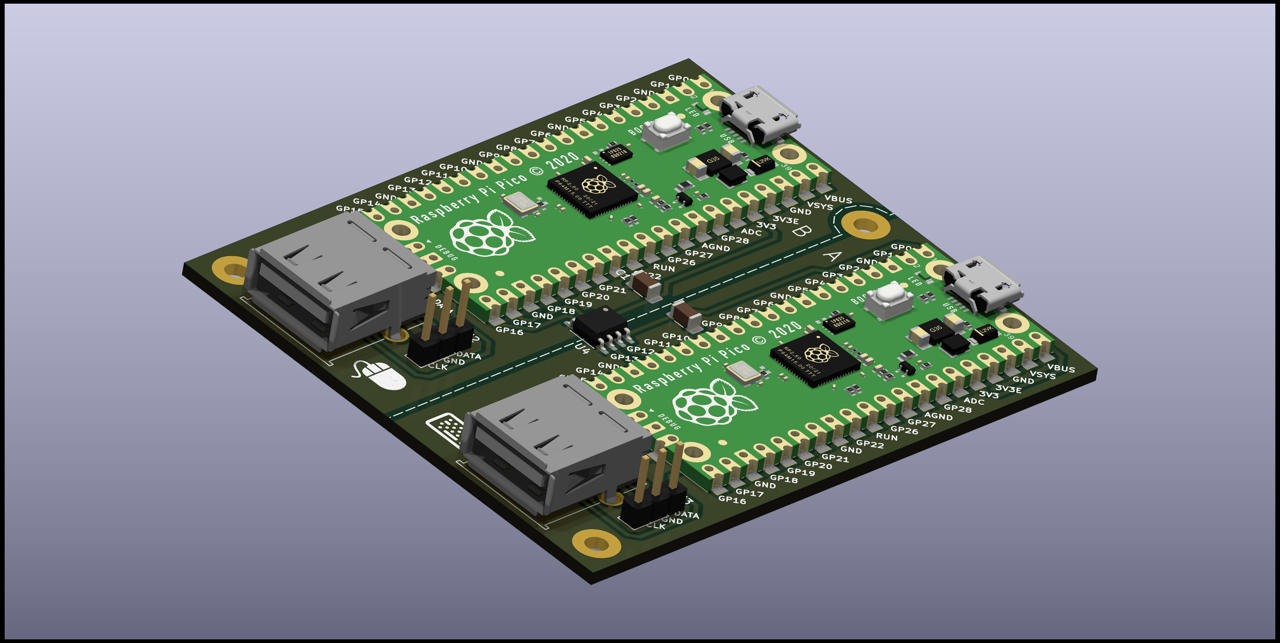
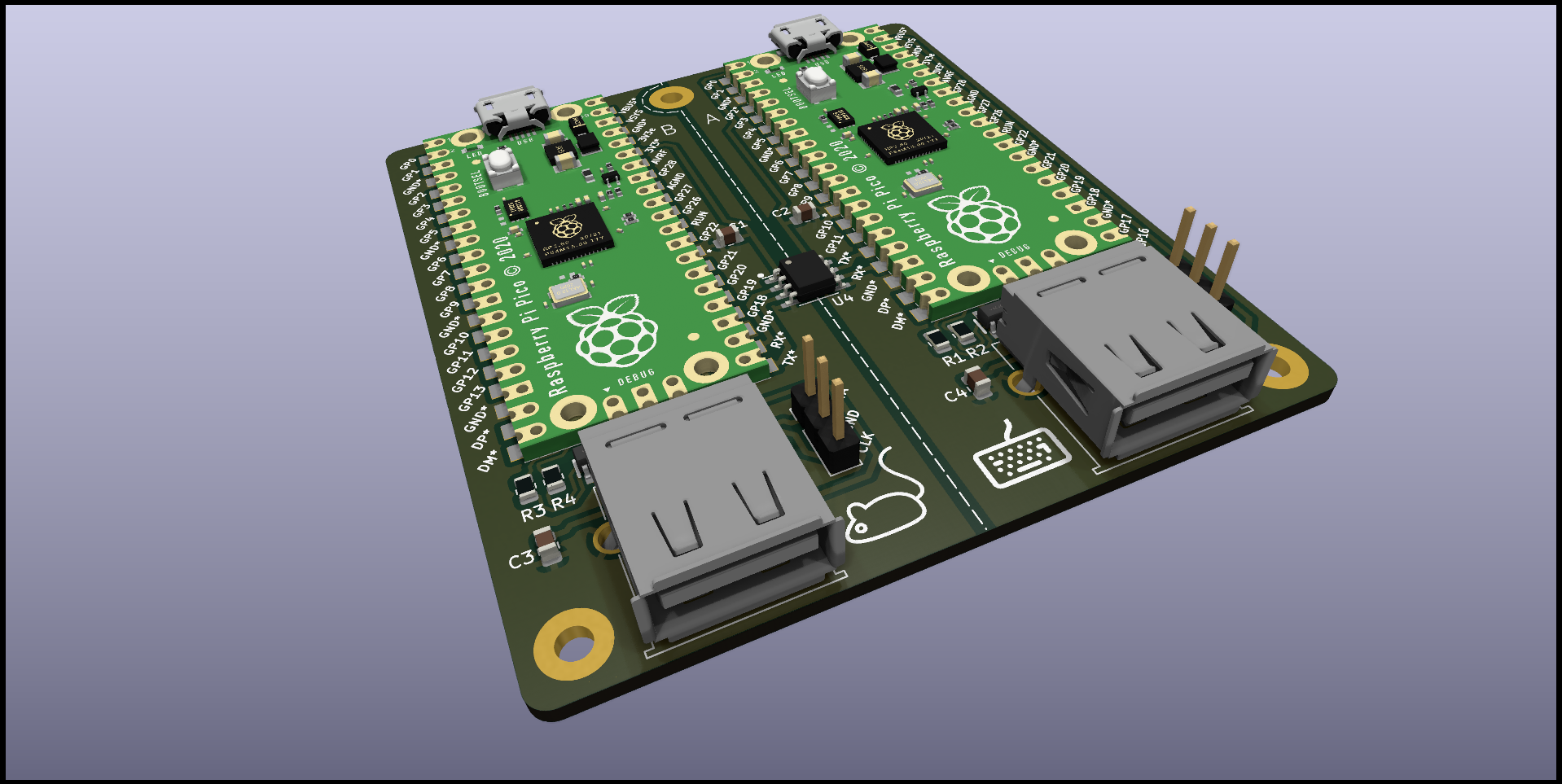
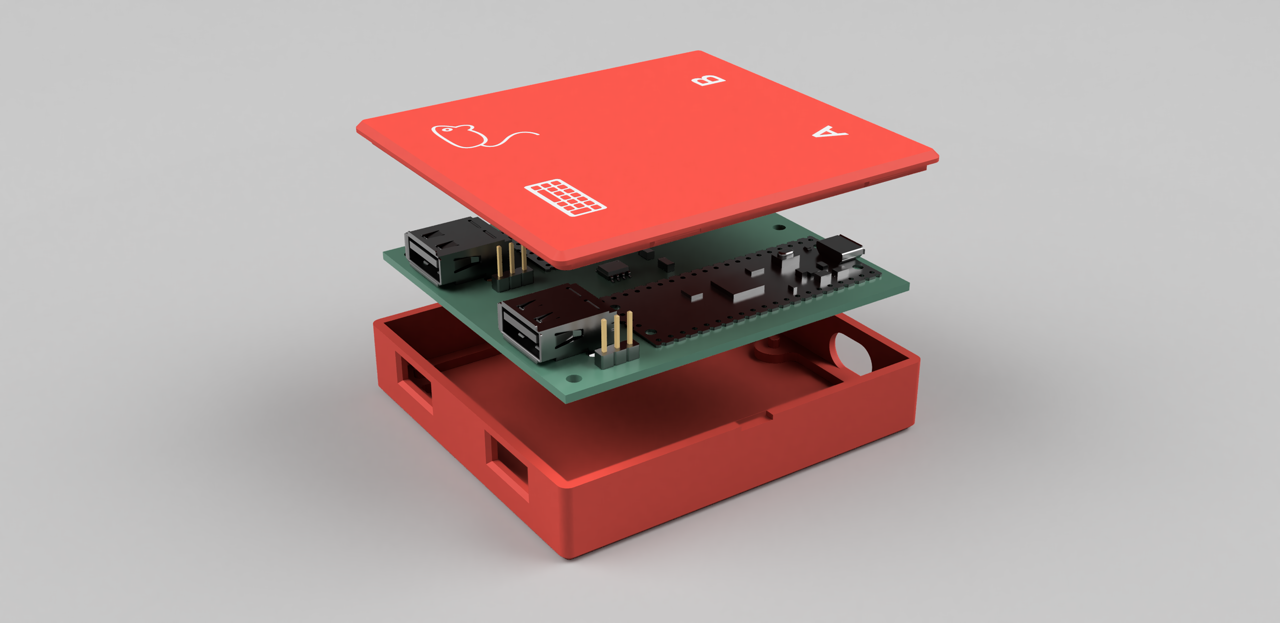
HopKVM is built from DeskHop, an open-source hardware design by Hrvoje Cavrak released under GPL-3.0 — a license that explicitly allows anyone to build and sell the hardware. Firmware, schematics, PCB design and case files are published on GitHub. You can inspect exactly what runs on the device, update the firmware yourself, or customize it. HopKVM is an independent store and is not affiliated with the original author.
What’s in the box
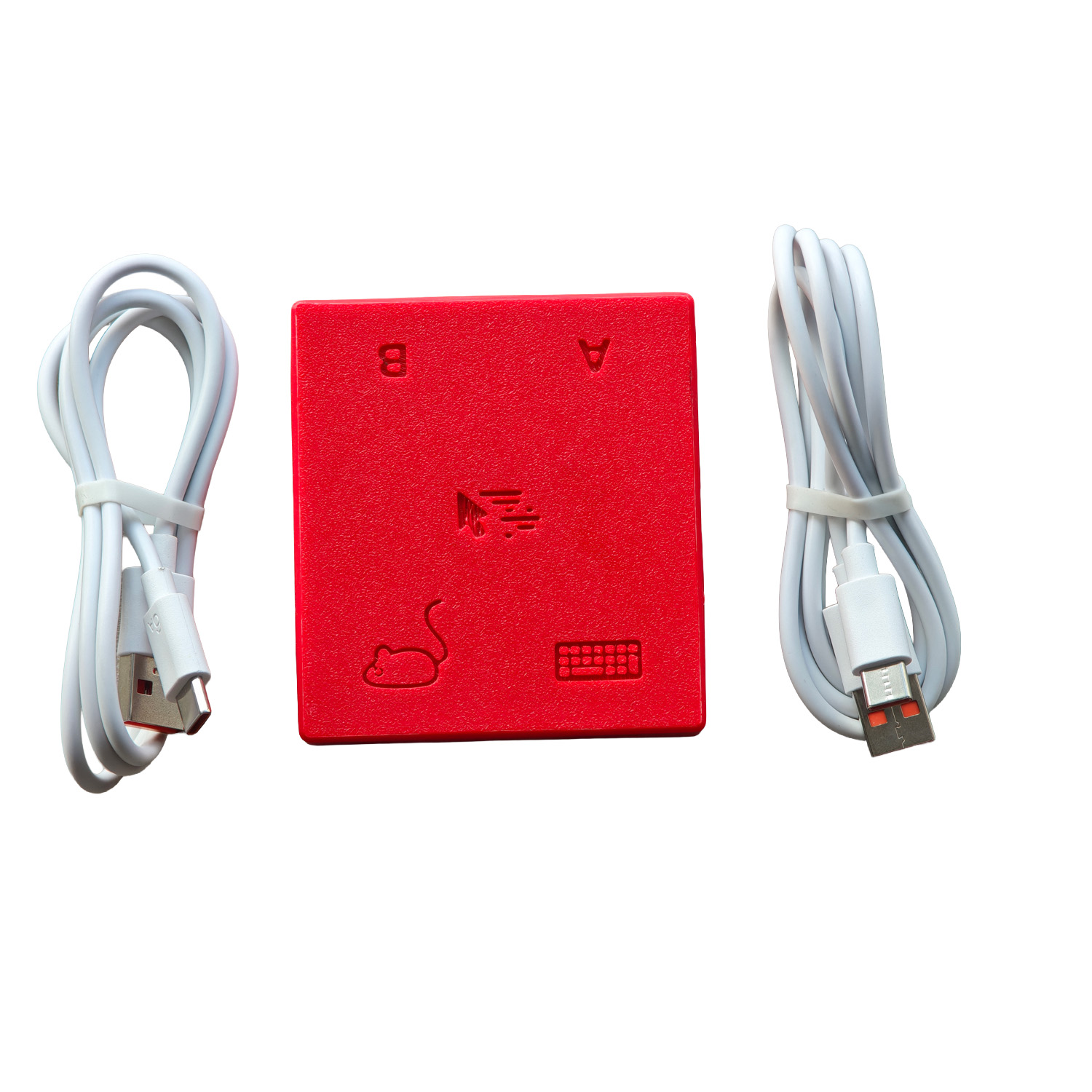
- 1 × HopKVM device (assembled board in case)
- 2 × USB-C to USB-A cable (one per host computer)
Specifications
-
- Hosts: 2 computers connected at once
- Input: USB keyboard + USB mouse
- Systems: Windows / macOS / Linux
- Switching: screen-edge crossing or hotkey
- Video: not switched — input only
- Connection: connect hosts via USB-A ports or A-to-C adapters (direct C-to-C cables may not power the device on some hosts, e.g. Apple Silicon Macs)
n
- Software required: none
- Firmware: open source (DeskHop, GPL-3.0), user-updatable over USB
Reviews
There are no reviews yet.